HomeStore

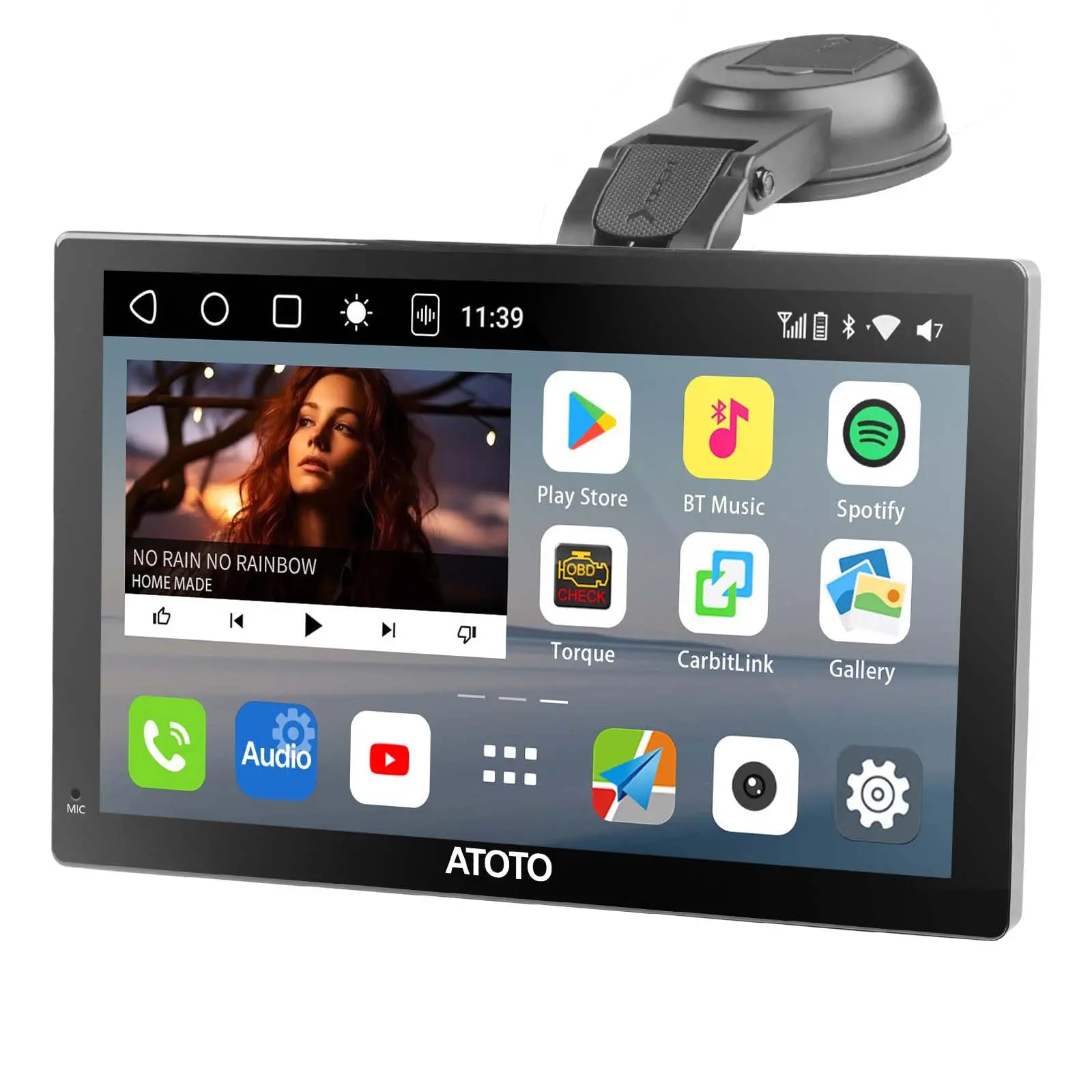
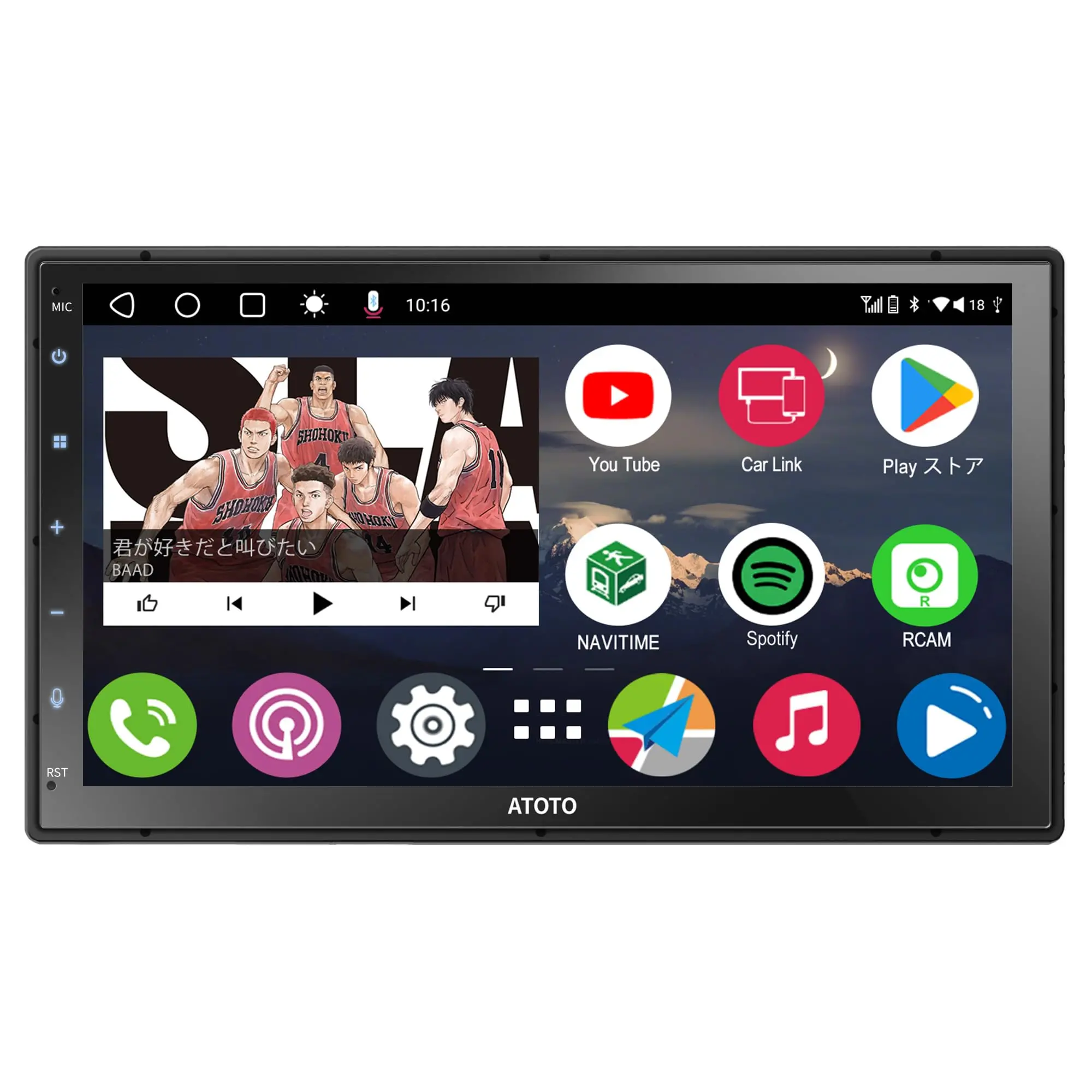
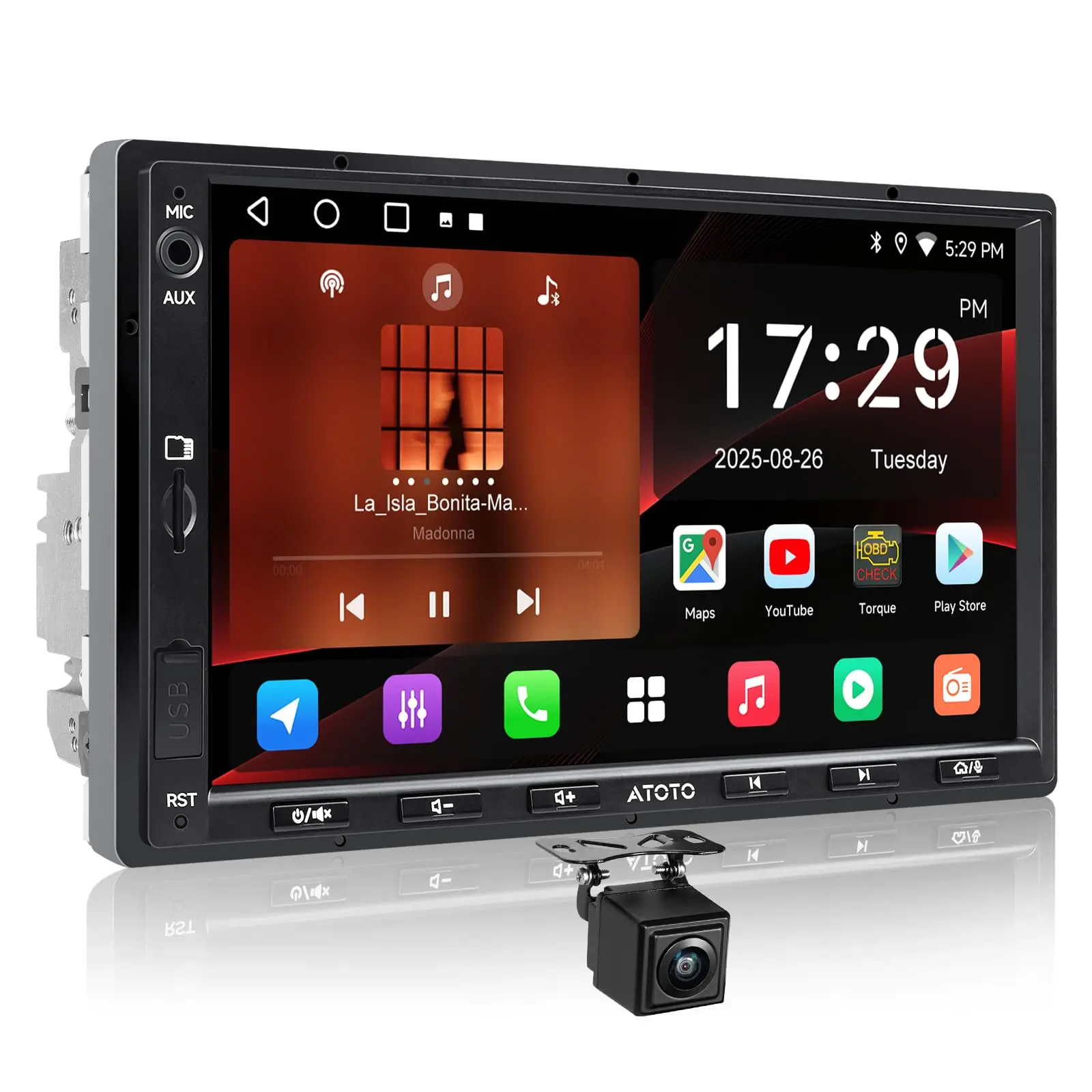
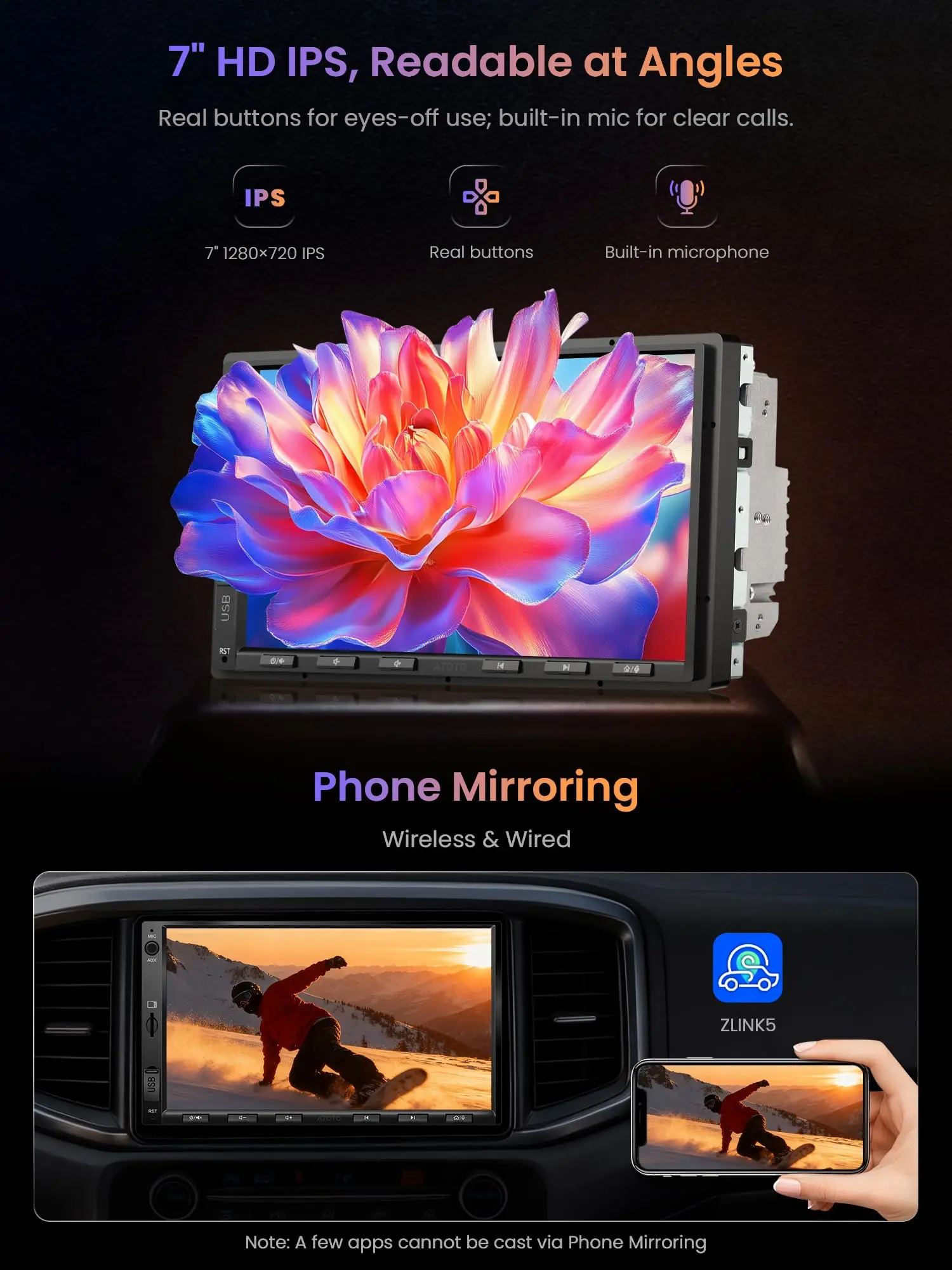
ATOTOZONE A5L Android Autoradio Doppel Din Radio, 7" Digital Media-Receiver, Wireless CarPlay/Android Auto, WiFi/BT Tethering, Rückfahrkamera,Bluetooth, MirrorLink,2G+32G, 48-B EQ DSP,FM/AUX

Product image 1
Product image 2
Product image 3
Product image 4
Product image 5
Product image 6
Product image 7
Product image 8

ATOTOZONE A5L Android Autoradio Doppel Din Radio, 7" Digital Media-Receiver, Wireless CarPlay/Android Auto, WiFi/BT Tethering, Rückfahrkamera,Bluetooth, MirrorLink,2G+32G, 48-B EQ DSP,FM/AUX

2

Loved by users for its reliability, the F7WE model makes way for its evolved successor: the new A5LG2A7T Android Double Din Car Stereo!

5

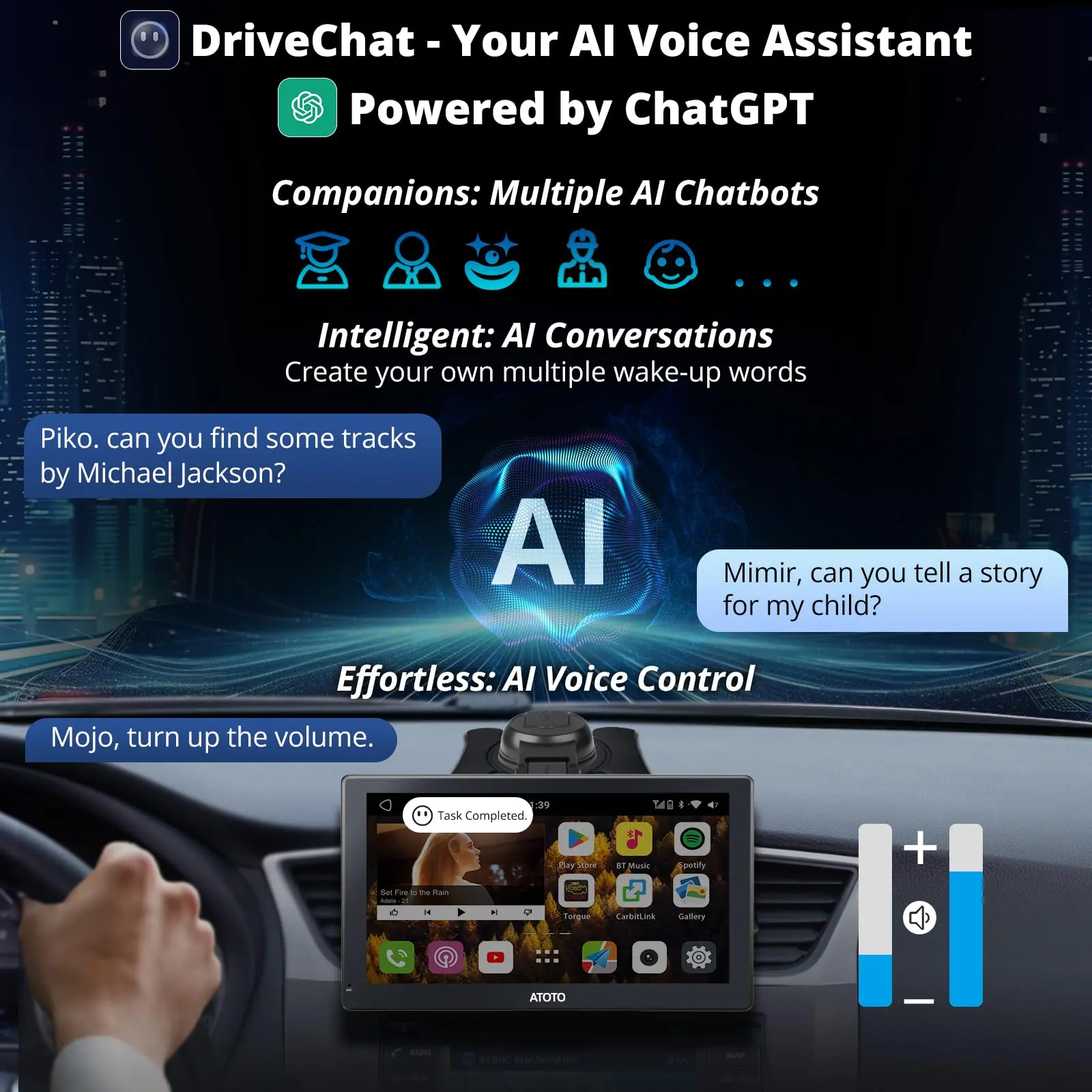
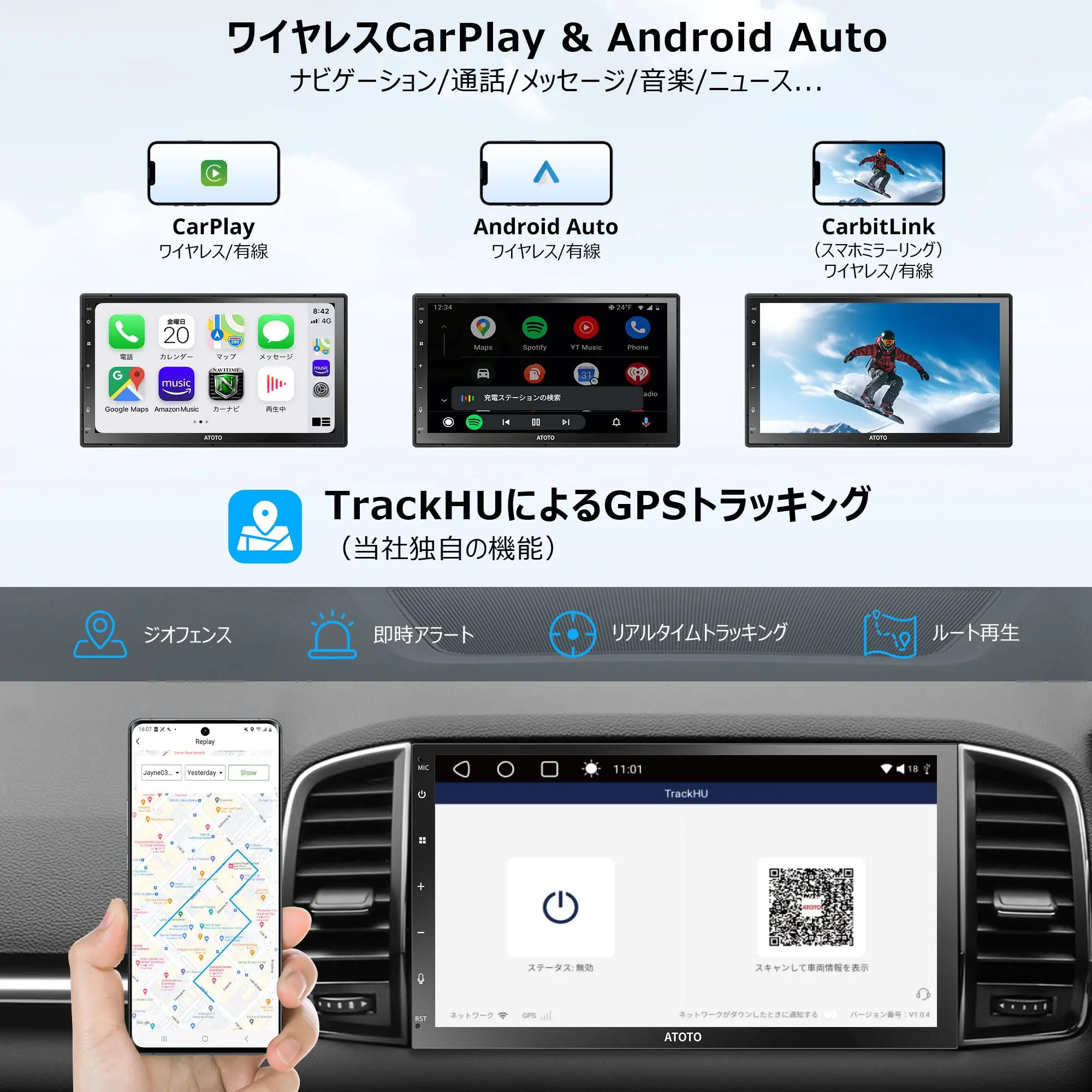
Access navigation apps installed on your Android car stereo for online or offline use, or connect your phone using CarPlay&Android Auto to utilize mobile navigation apps. Experience the advantages of having both options.

Troubleshooting Steps for A5LG2A7T double din car stereo:

Q1:The car stereo does not fit my vehicle

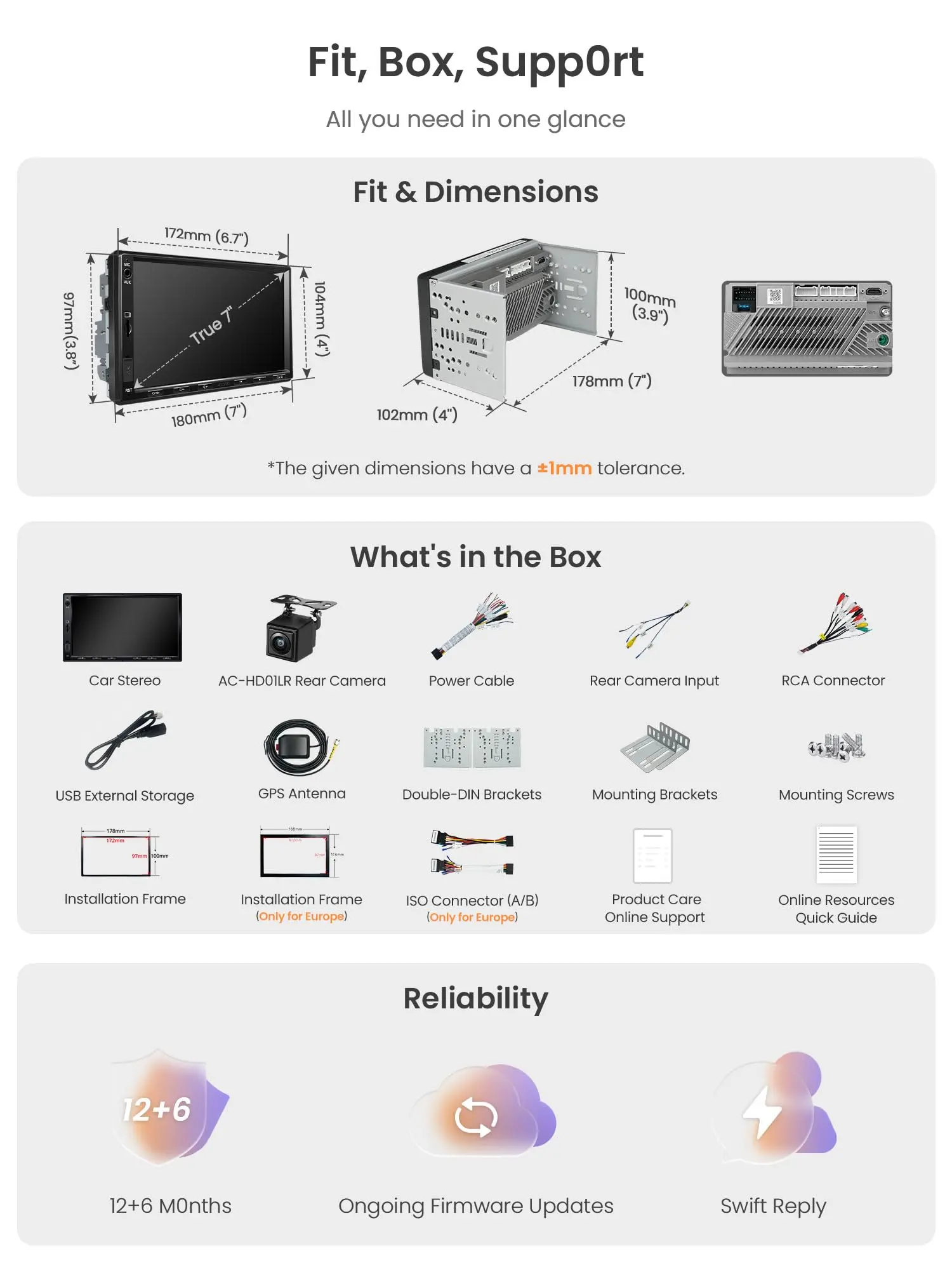
Solutions:1) Please check the size of our car stereo and your car dashboard's space before purchase our product.It's double din car stereo, and can't be fit in a single-din slot

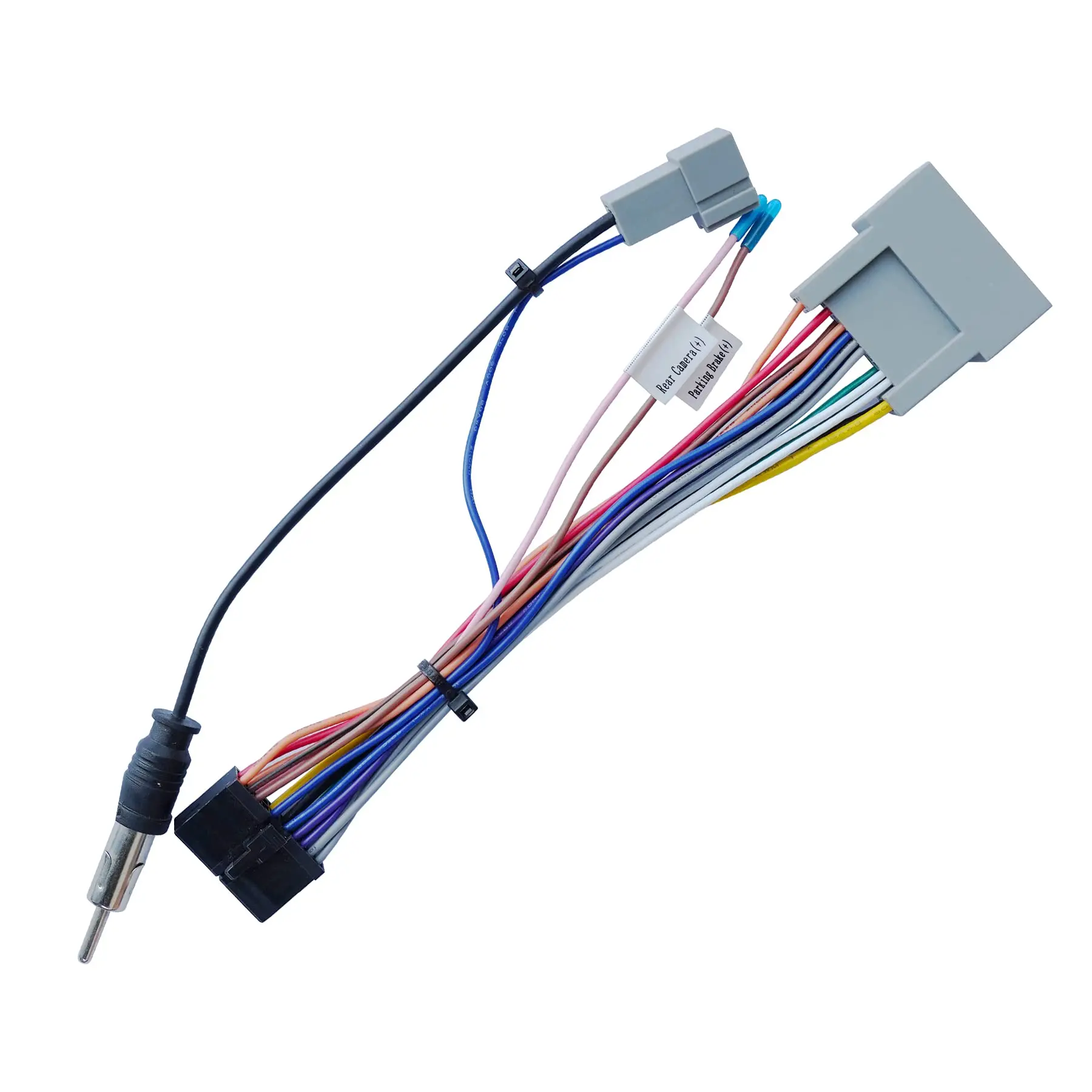
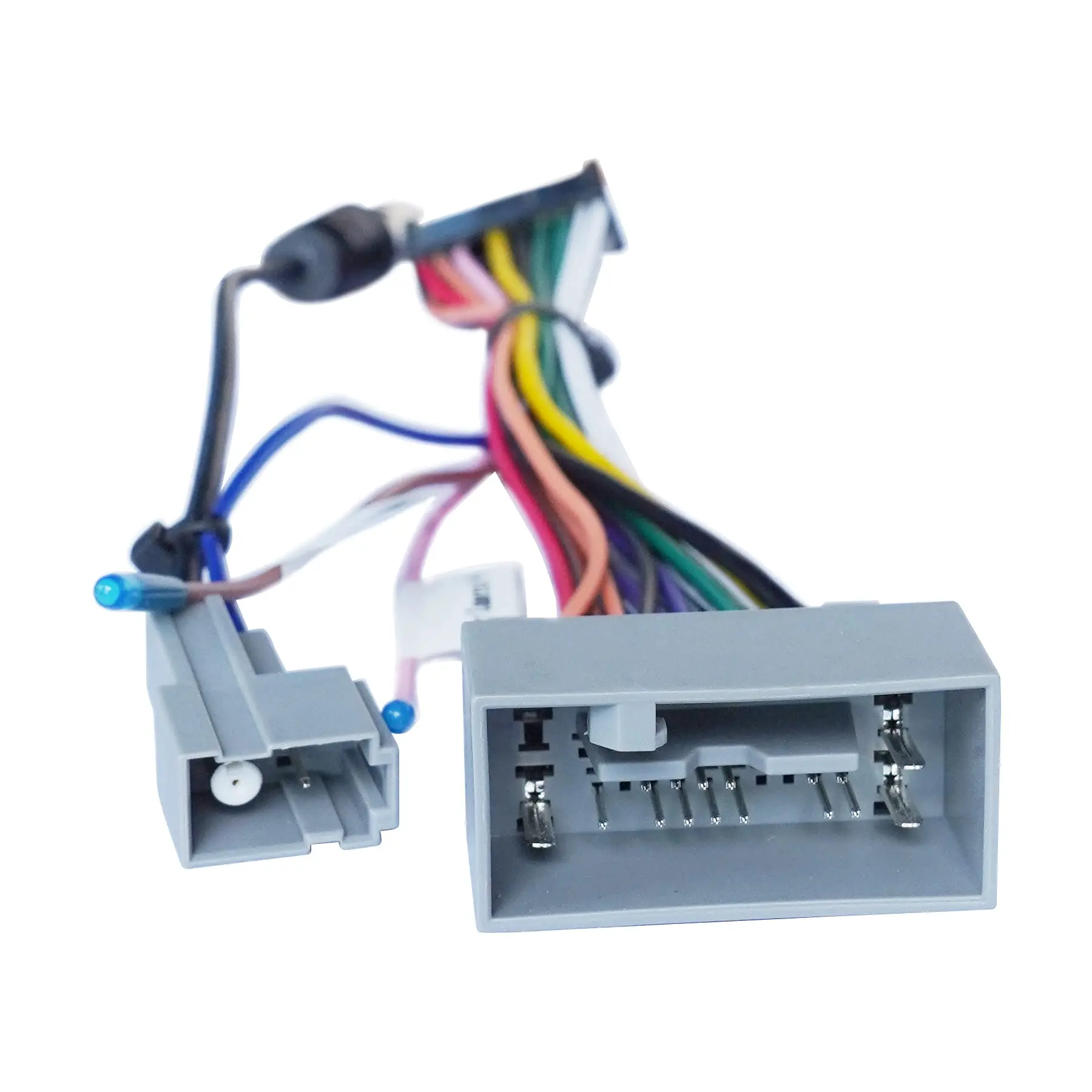
2)This A5L car stereo is a universal car stereo, not a custom-fit model for the customer's original car. The separate dashboard frame kit and third-party wiring harness are required to complete the installation. Without these accessories, installation cannot be completed. It is the buyer's responsibility to prepare them.

Q2:The Microphone sounds robotic during calls

Solutions: 1)Factory reset (Settings > System > Reset); 2)Update to firmware v1.0.6 and the latest audio configuration (DSP/AGC) via USB/OTA; 3)Reboot, set Microphone Source to External, and place a test call to verify call quality.

Q3: The car stereo does not work

Solutions: 1). Confirm whether the correct third-party wiring harness has been purchased. You tell us your car model and we will recommend the appropriate harness and installation accessories. 2). Recheck all wiring according to the user manual and test the voltage status. 3). Check whether the head unit’s fuse is damaged.

Q4: The car stereo stopped working after one month / worked then died

Solutions: 1) Secure all loose connections and replace any damaged wires. 2) Ensure the supply voltage to the stereo is consistent. 3) Fuse Check: Please ensure the fuses in the car stereo and power cable are not blown. Replace any blown fuses with ones of the same specification and reconnect them correctly.

4) Update the stereo's firmware

$62.27

Original: $177.90

-65%
ATOTOZONE A5L Android Autoradio Doppel Din Radio, 7" Digital Media-Receiver, Wireless CarPlay/Android Auto, WiFi/BT Tethering, Rückfahrkamera,Bluetooth, MirrorLink,2G+32G, 48-B EQ DSP,FM/AUX

$177.90

$62.27

Product Information

Shipping & Returns

Description

2

Loved by users for its reliability, the F7WE model makes way for its evolved successor: the new A5LG2A7T Android Double Din Car Stereo!

5

Access navigation apps installed on your Android car stereo for online or offline use, or connect your phone using CarPlay&Android Auto to utilize mobile navigation apps. Experience the advantages of having both options.

Troubleshooting Steps for A5LG2A7T double din car stereo:

Q1:The car stereo does not fit my vehicle

Solutions:1) Please check the size of our car stereo and your car dashboard's space before purchase our product.It's double din car stereo, and can't be fit in a single-din slot

2)This A5L car stereo is a universal car stereo, not a custom-fit model for the customer's original car. The separate dashboard frame kit and third-party wiring harness are required to complete the installation. Without these accessories, installation cannot be completed. It is the buyer's responsibility to prepare them.

Q2:The Microphone sounds robotic during calls

Solutions: 1)Factory reset (Settings > System > Reset); 2)Update to firmware v1.0.6 and the latest audio configuration (DSP/AGC) via USB/OTA; 3)Reboot, set Microphone Source to External, and place a test call to verify call quality.

Q3: The car stereo does not work

Solutions: 1). Confirm whether the correct third-party wiring harness has been purchased. You tell us your car model and we will recommend the appropriate harness and installation accessories. 2). Recheck all wiring according to the user manual and test the voltage status. 3). Check whether the head unit’s fuse is damaged.

Q4: The car stereo stopped working after one month / worked then died

Solutions: 1) Secure all loose connections and replace any damaged wires. 2) Ensure the supply voltage to the stereo is consistent. 3) Fuse Check: Please ensure the fuses in the car stereo and power cable are not blown. Replace any blown fuses with ones of the same specification and reconnect them correctly.

4) Update the stereo's firmware

ATOTOZONE A5L Android Autoradio Doppel Din Radio, 7" Digital Media-Receiver, Wireless CarPlay/Android Auto, WiFi/BT Tethering, Rückfahrkamera,Bluetooth, MirrorLink,2G+32G, 48-B EQ DSP,FM/AUX | ATOTO